Skip to content
ADOOAR Restaurant operations system

Your whole restaurant. Working as one team.

From the moment an order arrives, till, kitchen, stock, and delivery know what comes next. Adooar brings every role into one view and keeps working when the internet drops.

Start quickly. See every step from one screen.

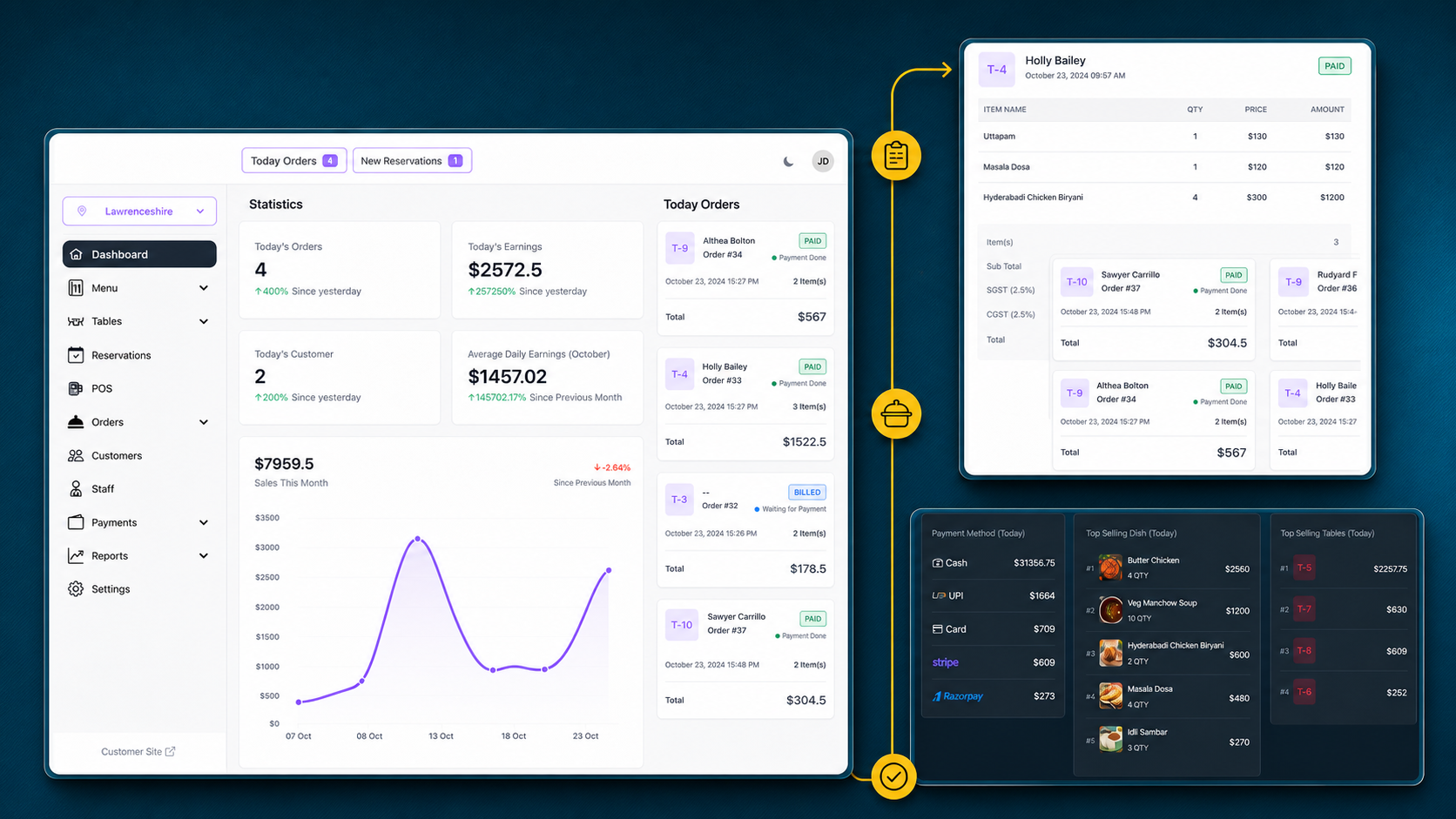
The adooar dashboard showing today's sales, order status and branch activity Every restaurant role, in one view
Illustrative composition built from real product screens
  1. Order received
  2. Kitchen moves
  3. Work continues
  4. Data syncs

This is how work moves through Adooar

Six real screens explain the operating day, from the first overview to cash close. Every image follows the language of the page.

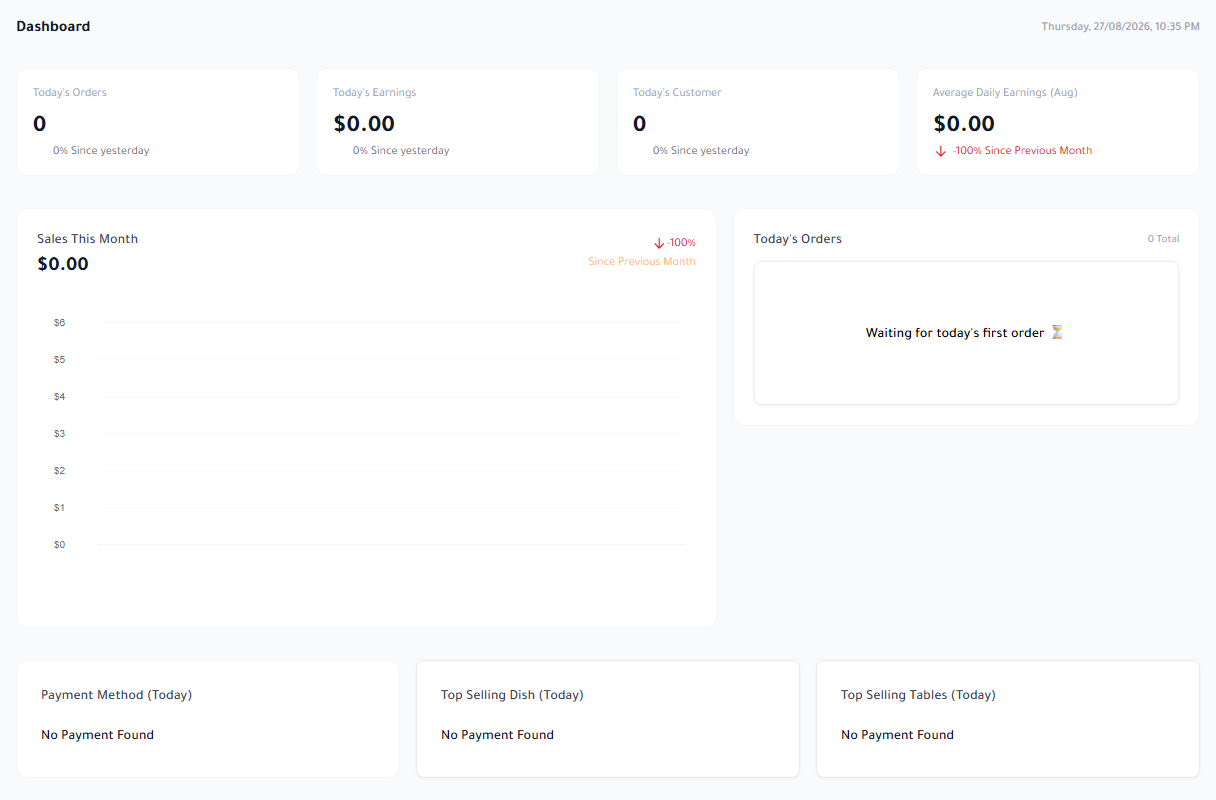
Every decision starts from one view

Start the day knowing what is happening now: orders, sales, customers, payment methods, dishes, and table activity.

  • Today and month performance in one place
  • Current branch context with branch switching
  • A fast overview before opening the details
Adooar dashboard in English showing orders, sales, and customer indicators
Real screen captured from Adooar

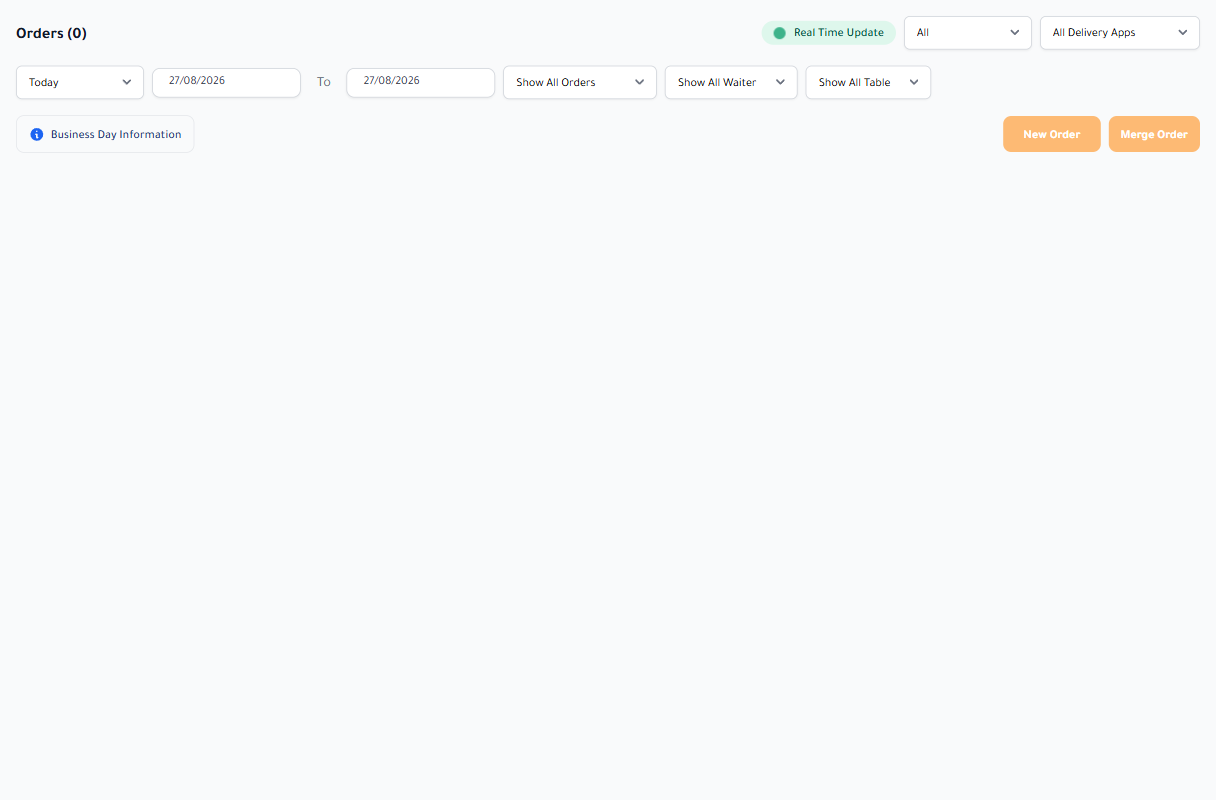
No order gets lost between dine-in, pickup, and delivery

Every order enters one record with its status and details, so management and staff know what is complete and what still needs action.

  • Search and filter by status and order type
  • Invoice, payment, and kitchen ticket history
  • Clear record of cancellation, refund, and edits
Order management screen in Adooar in English
Real screen captured from Adooar

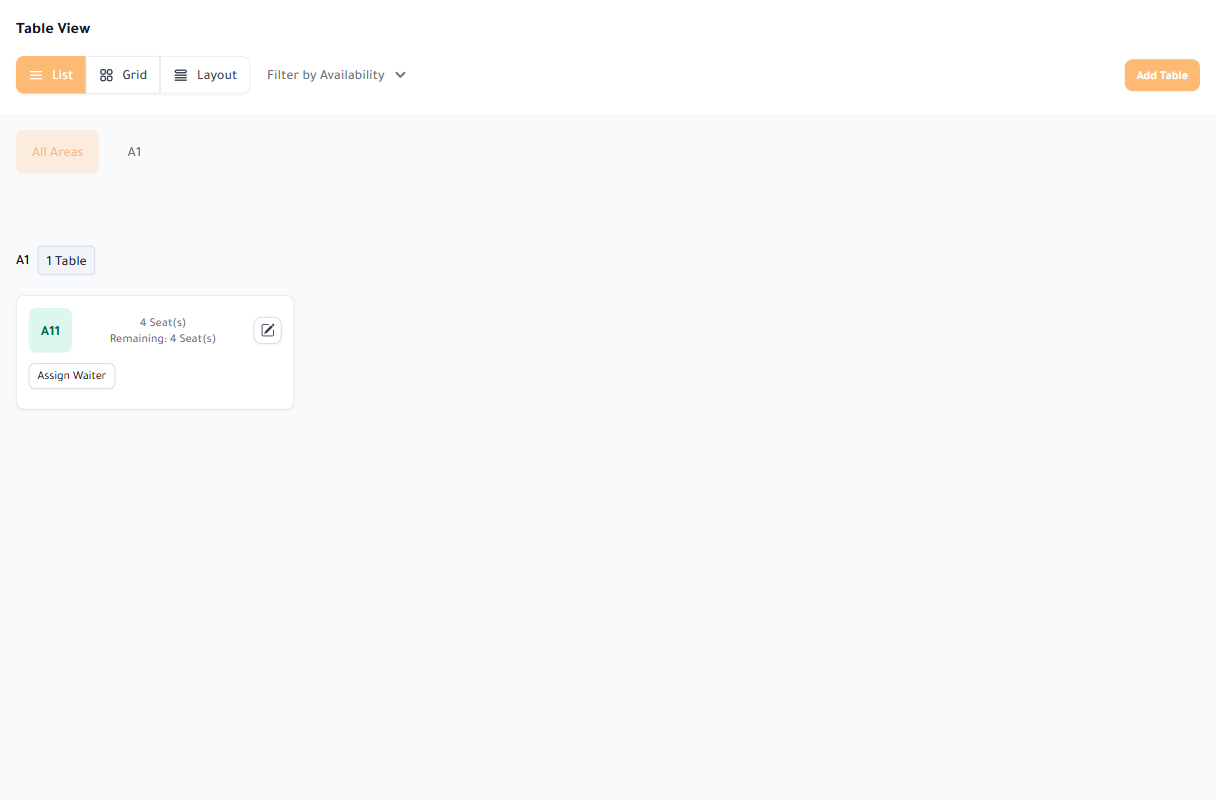
The floor and reservations stay in one picture

Create floor areas, define tables, generate QR codes, and manage reservations before the guest arrives.

  • Every table and area in context
  • Admin and customer reservations
  • QR ordering and waiter requests
Table, area, and QR code management in Adooar in English
Real screen captured from Adooar

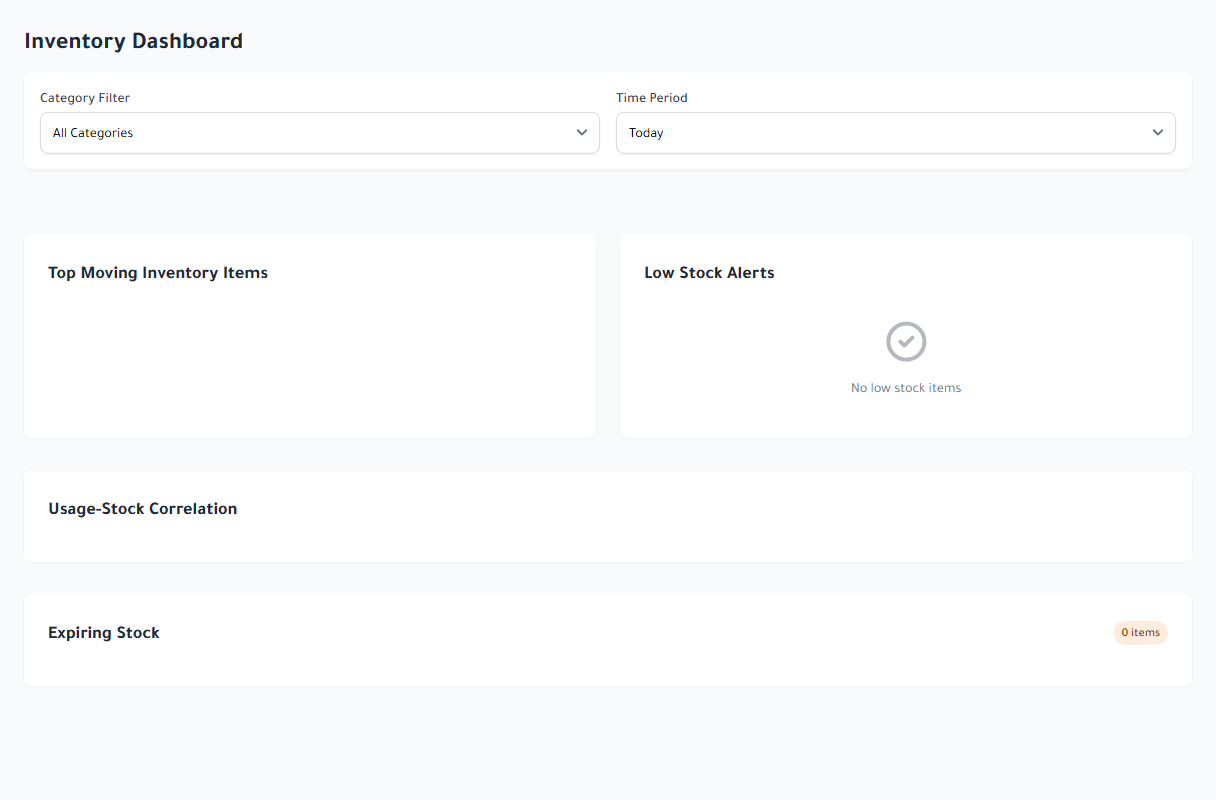
Every dish becomes a traceable stock movement

Link recipes to ingredients and track stock, usage, purchasing, and waste without waiting for a manual month-end count.

  • Units, items, recipes, and batch inventory
  • Suppliers, purchase orders, and stock movements
  • Low-stock alerts, cost, usage, and forecasting reports
Inventory information dashboard in Adooar in English
Real screen captured from Adooar

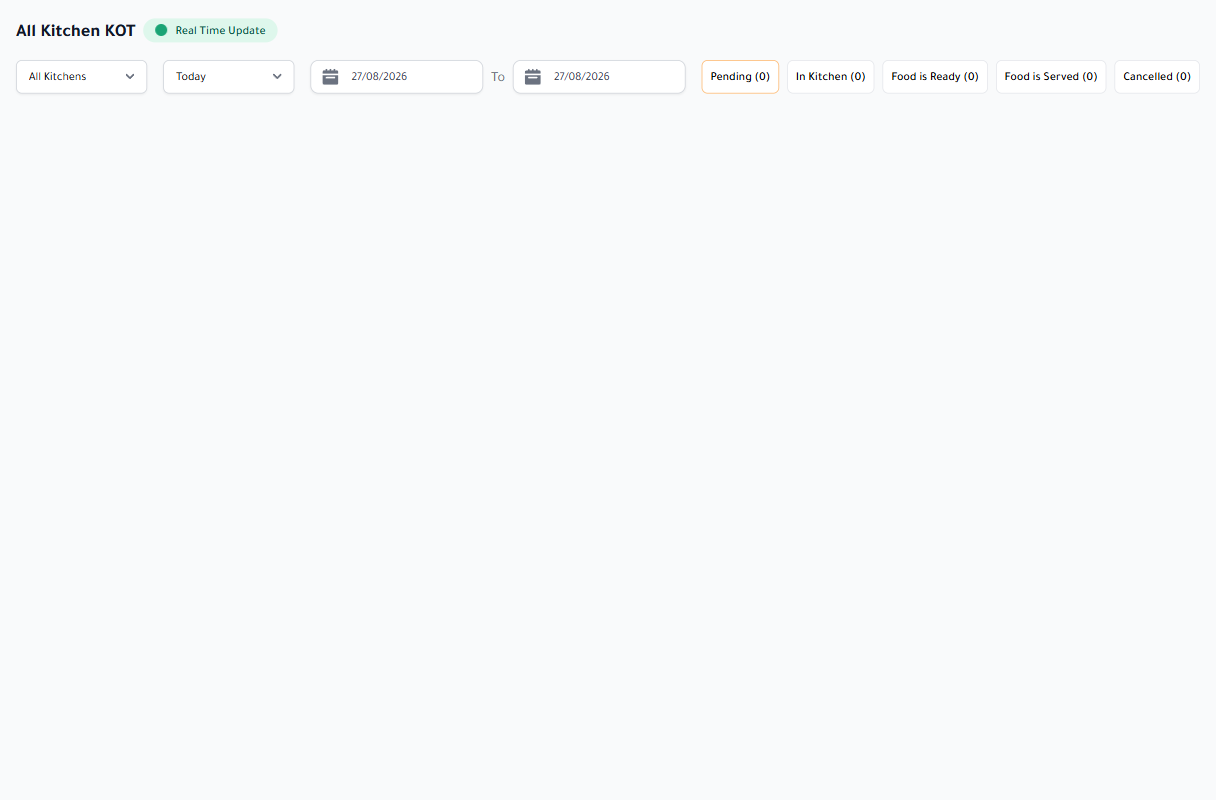
The right kitchen station sees the right order

Kitchen tickets reach their preparation station as soon as an order is confirmed, with the item, note, and status kept clear.

  • Route KOTs across kitchens and stations
  • New, preparing, and completed states
  • Digital kitchen display or printed ticket
Adooar kitchen order ticket screen in English
Real screen captured from Adooar

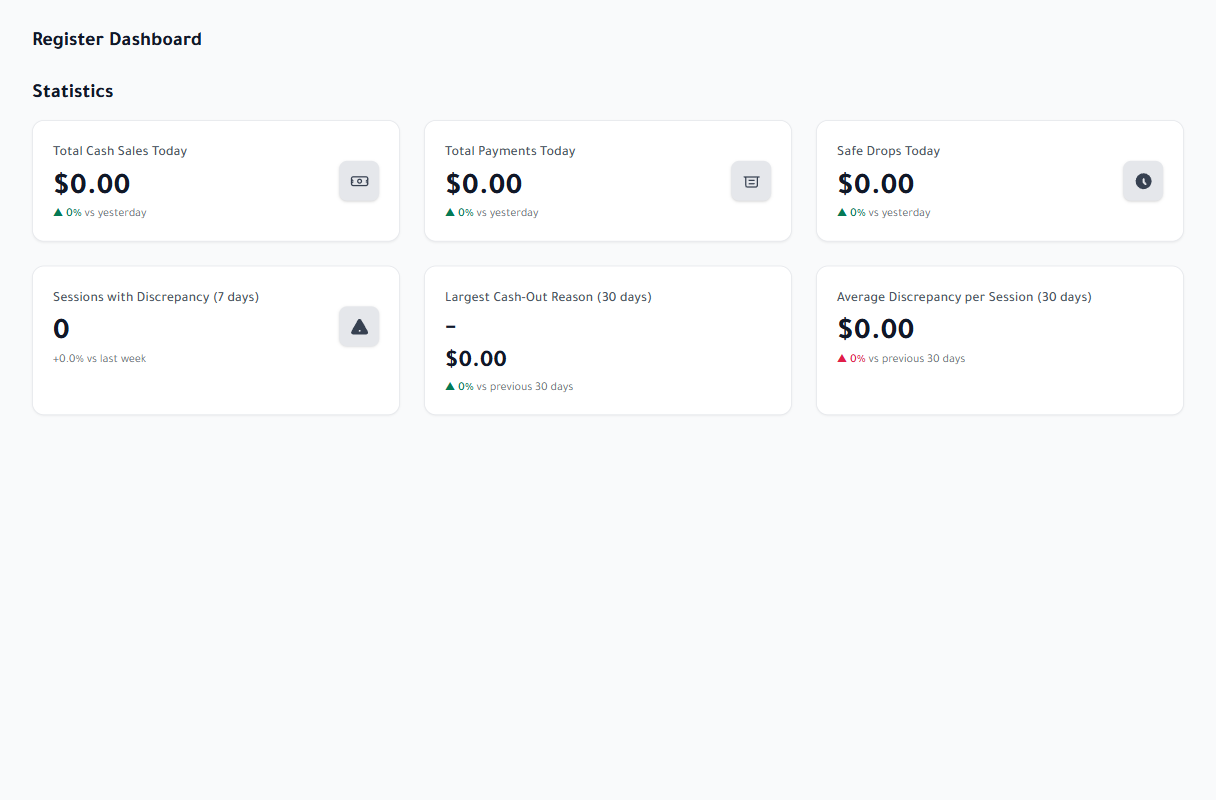
Close cash with numbers you can audit

Open a register session, record cash in and out, review discrepancies, and approve the close without a separate cash notebook.

  • Sessions, permissions, and approvals
  • Denominations plus X and Z reports
  • Discrepancy, movement, and handover reports
Adooar cash register dashboard in English
Real screen captured from Adooar

Add what your operation needs without changing systems

Each add-on uses the same restaurant data, permissions, and branch structure. Open a row to see exactly what it adds.

Inventory and recipes From ingredient to dish cost.
  • Items, units, recipes, and batch inventory
  • Suppliers, purchase orders, and stock movements
  • Usage, turnover, COGS, waste, expiry, and forecasting
Kitchen Display / KOT Send every order to the right preparation point.
  • Multiple kitchens with item-based routing
  • Clear preparation states and live updates
  • Digital display or printed kitchen ticket
Cash Register Full control over each register session.
  • Open, close, cash-in, and cash-out movements
  • X and Z reports plus session discrepancies
  • Approvals, denominations, and exports
MultiPOS Manage several selling devices as one operation.
  • Register, approve, disable, and identify terminals
  • Per-branch device limits and independent access tokens
  • Statistics and sales consolidated by machine
Loyalty Turn repeat visits into a measurable relationship.
  • Earn points automatically from orders
  • Redeem the balance as a POS discount
  • Customer balance and redemption reports
Self-service kiosk Let guests order without waiting for the till.
  • Restaurant-branded menu interface
  • Self-order flow and clear confirmation
  • The same items, prices, and order records
Hotel and room service Restaurant and stay operations in one system.
  • Front desk, rooms, rates, and reservations
  • Check-in, check-out, folios, and guest billing
  • Housekeeping, room service, events, and agreements
WhatsApp Business Automated notifications by event and role.
  • Templates for customers, managers, staff, and riders
  • Map each event to the right recipients
  • Sending logs and restaurant-level settings
SMS Notifications that do not require an app.
  • Restaurant-level provider configuration
  • Messages tied to orders and accounts
  • Central controls and usage tracking
AI assistant A help space inside the management dashboard.
  • Conversations retained inside the system
  • Availability controlled by role and plan
  • Configurable daily and monthly limits
Webhooks Send product events to the services you use.
  • Tenant-isolated endpoints and destinations
  • Delivery log, retry, and replay controls
  • Sandbox testing and failure visibility
REST API and app integration A secure bridge for desktop and mobile applications.
  • Plan-aware authentication and permissions
  • Orders, menus, tables, customers, branches, and notifications
  • Printer, POS, and external display integration where enabled

A focused interface for every restaurant role

Not everyone needs the same screen. Adooar gives each role a focused surface while the order, payment, and record stay connected.

  1. Management and branches For owners and managers: sales, reports, settings, users, and branches in the browser.
  2. Point of sale For cashiers: dine-in, pickup, and delivery orders, payments, printing, and offline continuity.
  3. Kitchen display For cooks and preparation stations: sorted tickets with clear execution states.
  4. Self-service kiosk For in-store guests: browse items and submit an order from a dedicated screen.
  5. Customer site and QR menu For ordering and reservations by phone, with menu, pricing, location, and account access.
  6. Customer display Shows the basket, amount, order status, and payment QR directly to the customer.
  7. Delivery and cash collection For riders and managers: assignment, delivery progress, and collected-cash reconciliation.
  8. External applications Purpose-built connections through the REST API and Webhooks, according to plan and permissions.

Simple, Transparent Pricing

Get everything you need to manage your restaurant with one affordable plan.

Subscription Package

$10 / month

This is a subscription package

Choose this plan

Life Time

$199 one-time

This is a lifetime access package

Choose this plan

Your questions, answered

Does the point of sale keep working if the internet goes down?
Yes. Orders, payments and kitchen tickets continue on the device and sync automatically once the connection returns.
Can I manage more than one branch from a single account?
Yes. Menus, prices, stock, staff and reports are kept separately per branch, with a consolidated view across all of them.
Which payment methods can I accept?
Cash and card at the counter, plus online gateways including Stripe, PayPal, Razorpay, Flutterwave, Xendit, Mollie, Tap and T-Lync.
Do the kitchen and the waiters receive orders automatically?
Yes. Kitchen order tickets reach the right station as soon as an order is confirmed, and separate apps are available for waiters and delivery staff on iOS and Android.
Can I try it before subscribing?
Yes. A trial package is available from the signup page, so you can set up your menu and run real orders before choosing a plan.

See it on your restaurant, not on slides

Tell us the size of your operation and we will walk through the screens you would actually use: till, kitchen, branches.

Or skip the wait: Start free

Start the free trial now and set up your menu yourself. We will follow up to schedule a walkthrough.