A kitchen ticket is the handoff of responsibility from the till to preparation. If information is incomplete or reaches the wrong station, the result is delay, an incorrect dish, or a costly remake.
Quick takeaways
- Route every item to the correct preparation station.
- Give new, preparing, and ready states one shared meaning.
- Make notes, edits, and cancellation obvious on the ticket.
Divide the kitchen according to real work
A restaurant may have drink, grill, and assembly stations. Link menu items to their preparation point instead of sending every full order to every screen, so each team sees only what it owns.
When an order crosses stations, its relationship to the original order must remain visible. A supervisor then knows when every component is ready for service or delivery.
Status is a shared language between floor and kitchen
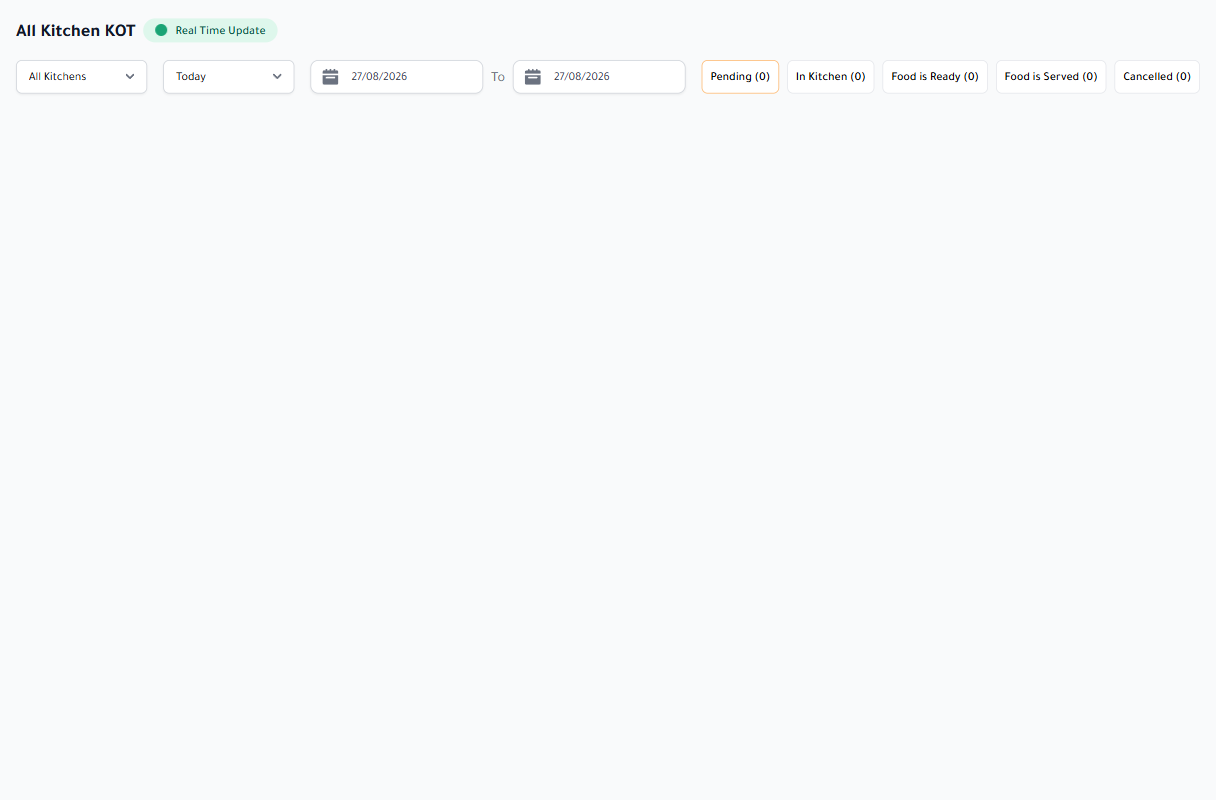
Use a small set of meaningful states, such as new, preparing, ready, and complete. Every transition should change what the next role sees rather than acting as color on the kitchen screen alone.
An edit after sending must be emphasized instead of disappearing among lines. Cancellation also needs a visible alert and record so staff do not prepare an item that is no longer required.
- Ticket arrival time and priority
- Item, quantity, and modifiers
- Order note plus table or delivery channel
Choose display and print for the kitchen environment
A screen is effective for states and queue visibility, while print remains useful at some stations or as a working copy. Both can coexist when routing rules are unambiguous.
Test visibility from the working distance, touch with gloves, sound in a busy kitchen, and a brief network interruption. Technology must follow the kitchen’s rhythm rather than add another screen that needs supervision.
A successful kitchen display does not show more information. It shows the right information to the right station at the right time, then returns the state to the rest of the team immediately.