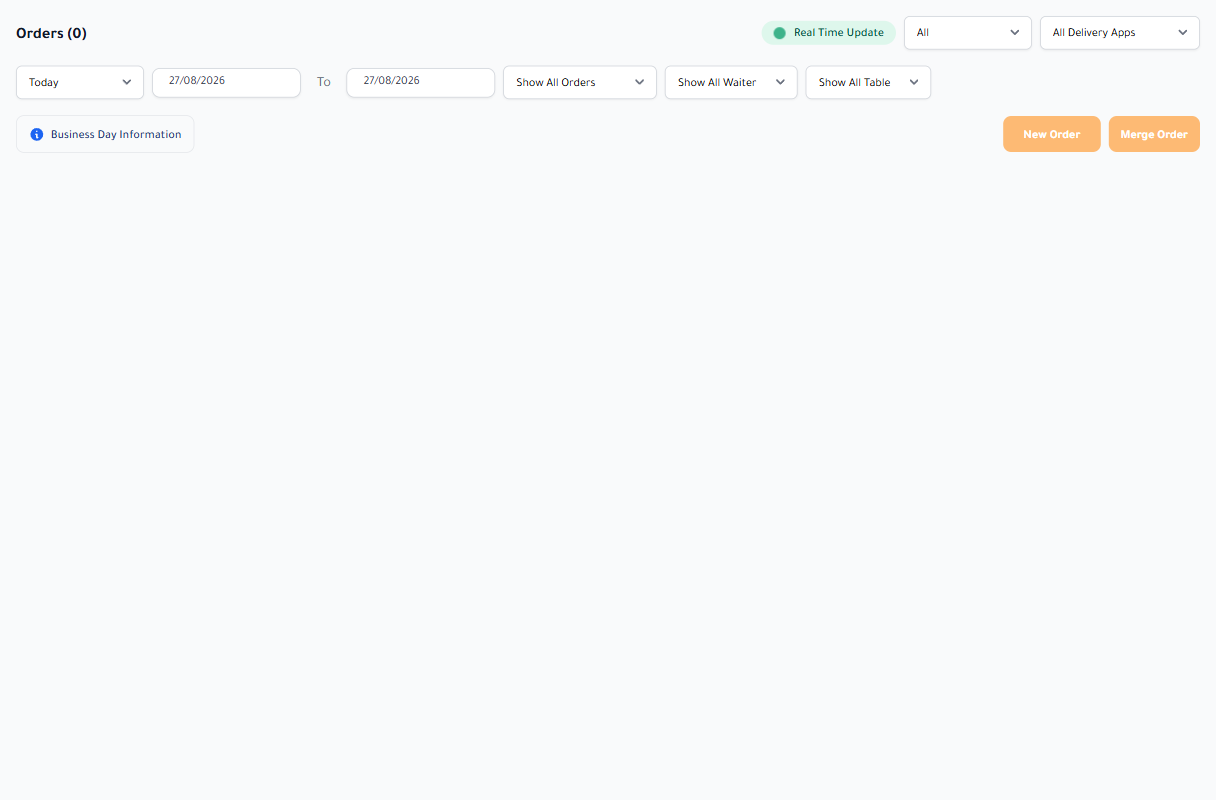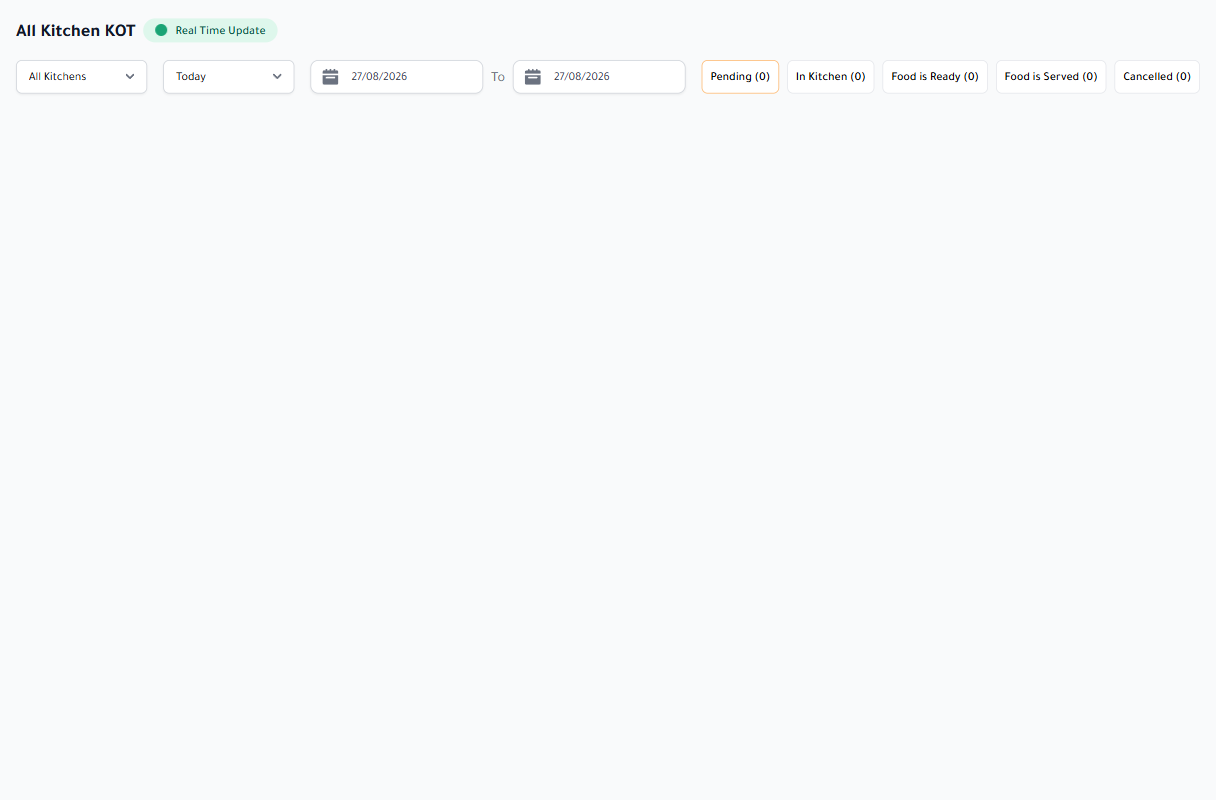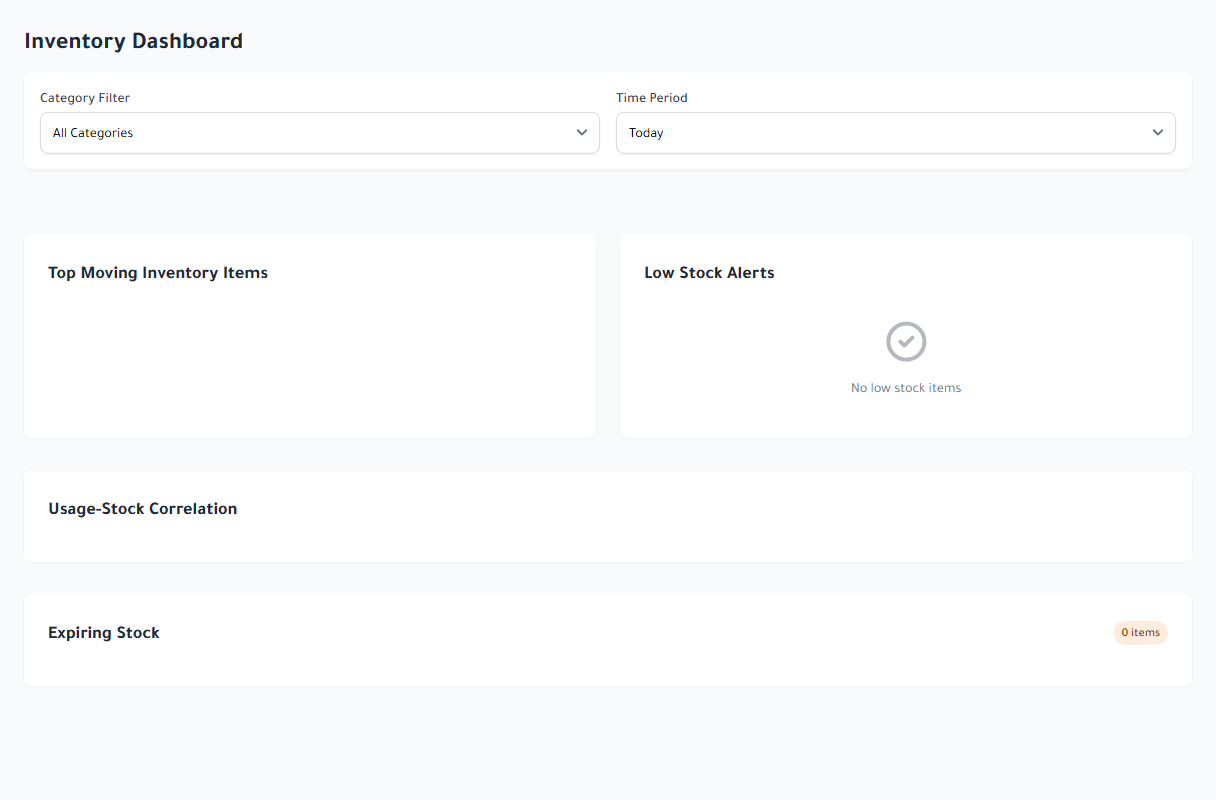
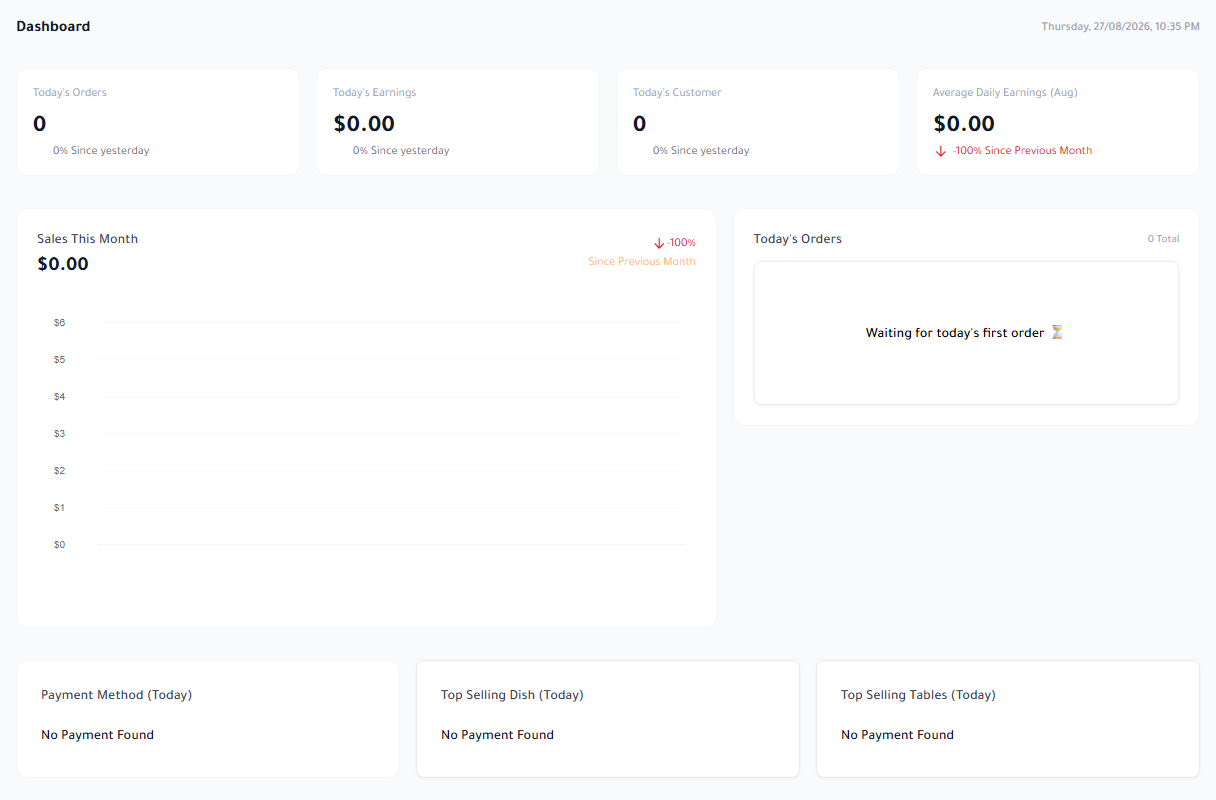
The best restaurant management software is not the product with the longest menu. It is the one that carries information with the order without duplicate entry or side notebooks. When the till creates a bill, the kitchen should know what to prepare, stock should record usage, and management should see the outcome in the same operating record.
Quick takeaways
- Test the complete order journey, not isolated screens.
- Make sure permissions, branches, and reports use one source of data.
- Ask for a real test that includes an internet outage and cash close.
Start with the workflow, not the feature list
Write down the journey of a real order: guest or external channel, item entry, kitchen ticket, preparation, payment, delivery, and reporting. Every manual handoff between systems adds delay and a place for errors to hide.
Ask the vendor to run that journey for dine-in, pickup, delivery, an item edit after sending, cancellation, and refund. A dashboard-only demonstration does not prove that operations are connected.
- One record for order, invoice, and payment
- A state that till, kitchen, and management understand
- A visible audit trail for edits, cancellation, and refund
Treat inventory and cash as part of the order
Inventory works poorly when it is detached from sales. Recipes should connect ingredients and units to sold dishes so usage can be explained and reviewed. Then a stock variance becomes a question you can investigate instead of a surprise at month end.
Cash needs the same discipline. Each shift requires an opening balance, cash-in and cash-out movements, payment methods, a physical count, discrepancy, and approval. A general sales total is not a register record.
Test branches, permissions, and offline continuity
If you already have two branches or expect to grow, test the separation of branch data and the management view across them. Staff should see and change only what their role allows, while every action remains attributable.
Finally, disconnect the internet during the POS test. Create and pay an order, restart the device, restore the connection, and watch the queue. Real continuity stores the work locally and synchronizes without duplicates; it does not merely hide an error message.
A sound buying decision begins with one question: will the restaurant work as one operating route, or will every department remain an island? Ask for a walkthrough built around your scenarios and score each handoff before comparing price.