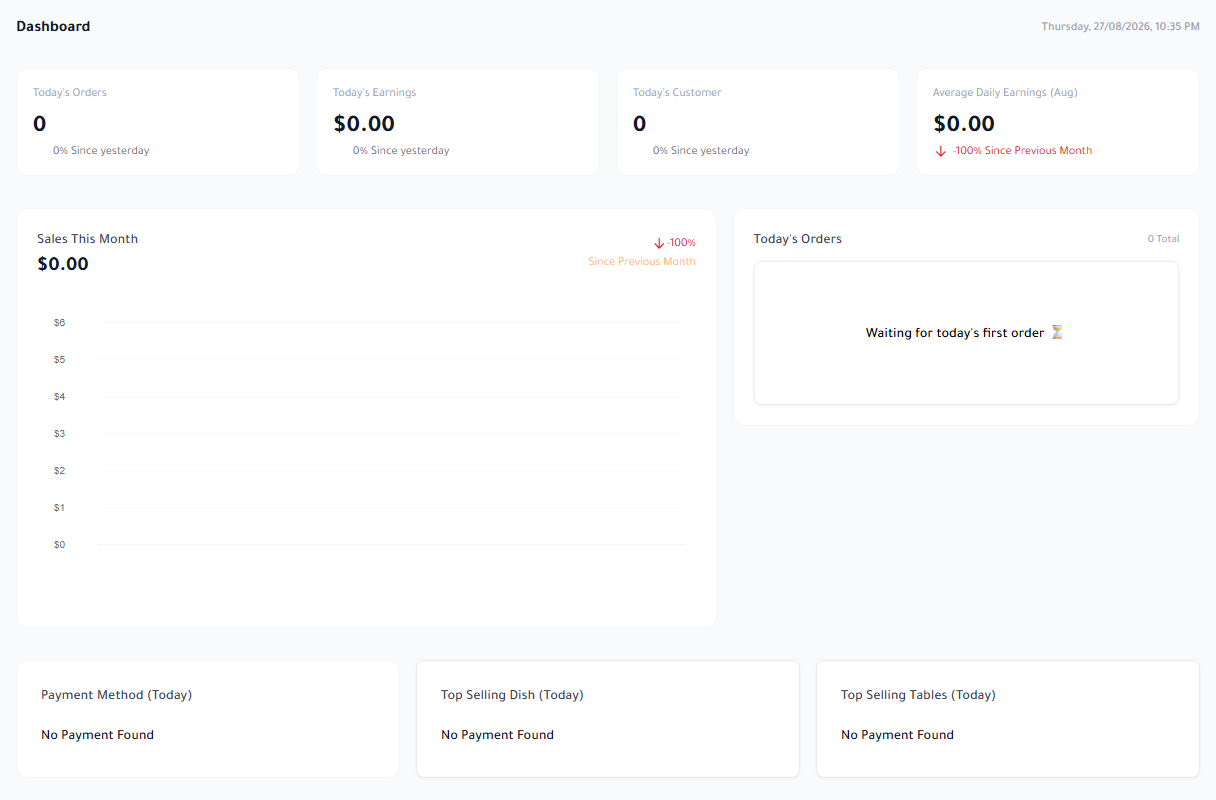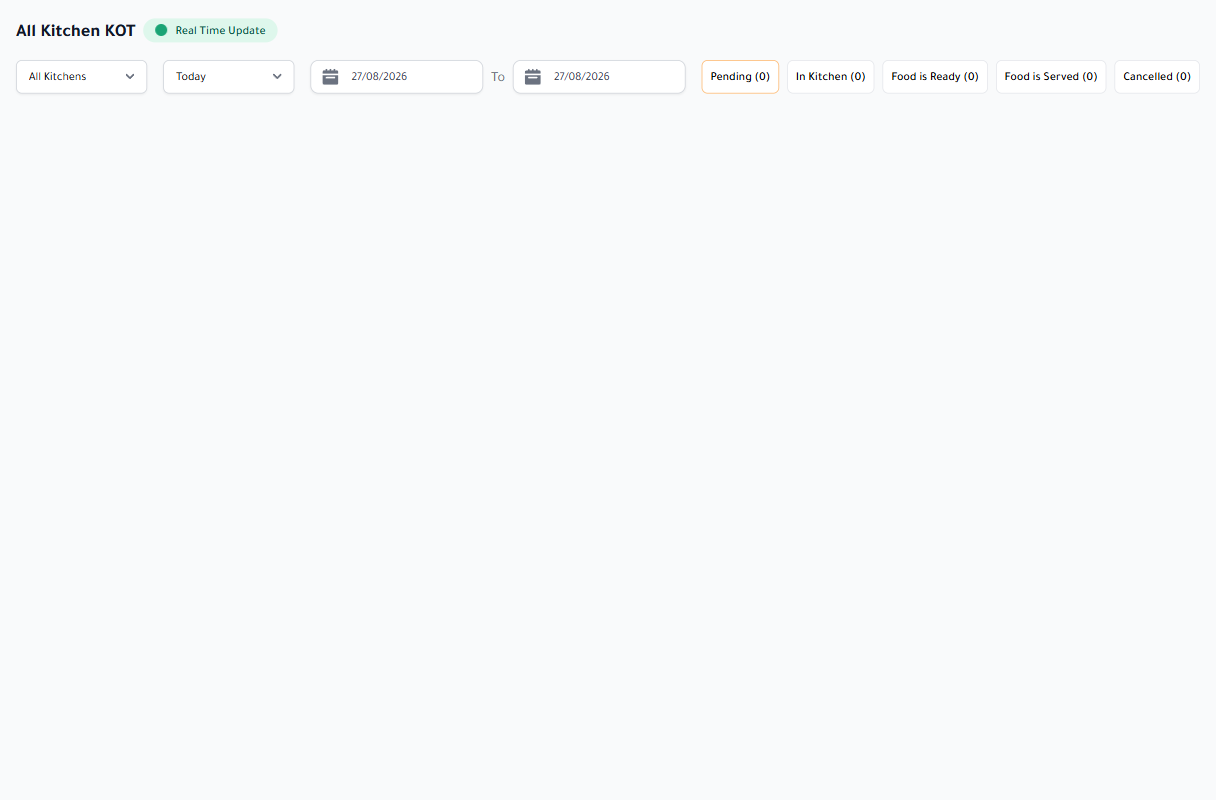
Peak service is no time to search long menus or re-enter customer details. Restaurant POS software should make order type, table, items, notes, and payment short, visible steps, then preserve every change in the correct record.
Quick takeaways
- Reduce the steps from opening an order to sending it.
- Test edits, discounts, and permissions, not only a normal sale.
- Treat payment, printing, and offline work as part of the POS test.
Speed means less hesitation, not only larger buttons
Arrange the till around the cashier’s repeated actions: choose order type, find an item, add modifiers, and confirm. The basket, total, and order state should remain visible without repeated page changes.
Test an item with sizes, add-ons, and a kitchen note. Then change quantity or remove a line after sending. This is where interface clarity, permissions, and audit history become visible.
- Clear item search and categories
- Modifiers that remain tied to the item and price
- Discoverable shortcuts rather than hidden gestures
Order channels and payments belong in one record
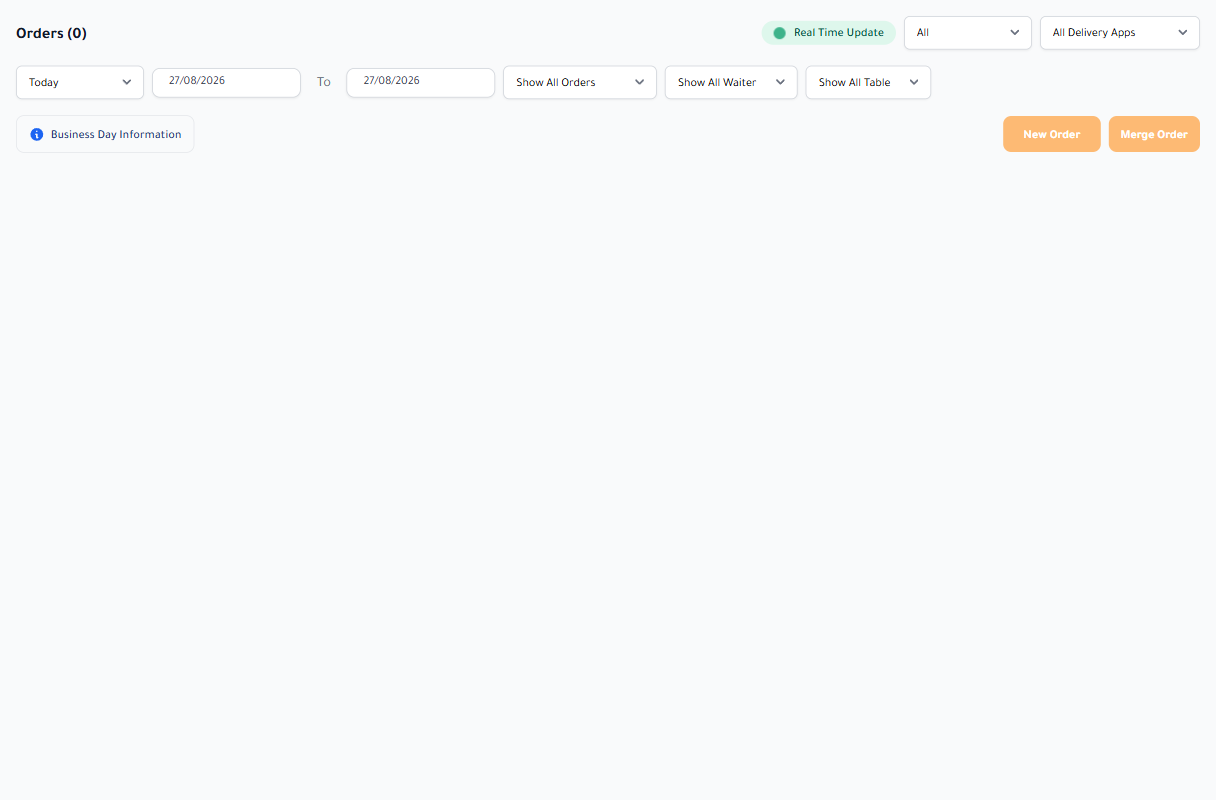
Dine-in, pickup, and delivery have different context—table, customer, address, or rider—but they should not become separate systems. One record lets management compare channels and stops an order from disappearing between screens.
Test cash, card, mixed payments, split bills, and refunds. Each action must reach the invoice, register session, and payment-method report consistently.
Permissions, printing, and continuity are the production test
Not every cashier should be able to discount, cancel, or open the drawer. A production-ready system links sensitive actions to roles or approval and records who performed them.
Test both customer receipt and kitchen ticket, then disconnect the network. A POS that stores work locally and exposes synchronization state is much closer to the conditions of a real restaurant.
Evaluate POS software in a trial shift that resembles pressure, not with one simple order on an empty screen. Every unclear step will repeat hundreds of times across the team.